
If you develop CAD applications using the Autodesk® ObjectARX® API, your development workflow is probably built around Autodesk AutoCAD®. Your code compiles against the ObjectARX SDK, you test inside AutoCAD, and your users run AutoCAD. It works.
But what if your application could run on another platform without rewriting a single line of code?
That’s what the IcARX API makes possible. IcARX is IntelliCAD’s ObjectARX-compatible C++ API, and it lets you take your existing ARX source code, recompile it against the IcARX SDK, and run it inside IntelliCAD. No porting. No rewrites. Just a recompile.
We put together a short video to show you exactly what that looks like.
What You’ll See in the Video
In the video, Natalia Kukushkina, Program Partnership Manager at the IntelliCAD Technology Consortium, walks through a sample ARX application that creates a custom line entity with six additional properties, including a computed midpoint, a compass direction selector, and dynamic dialog boxes.
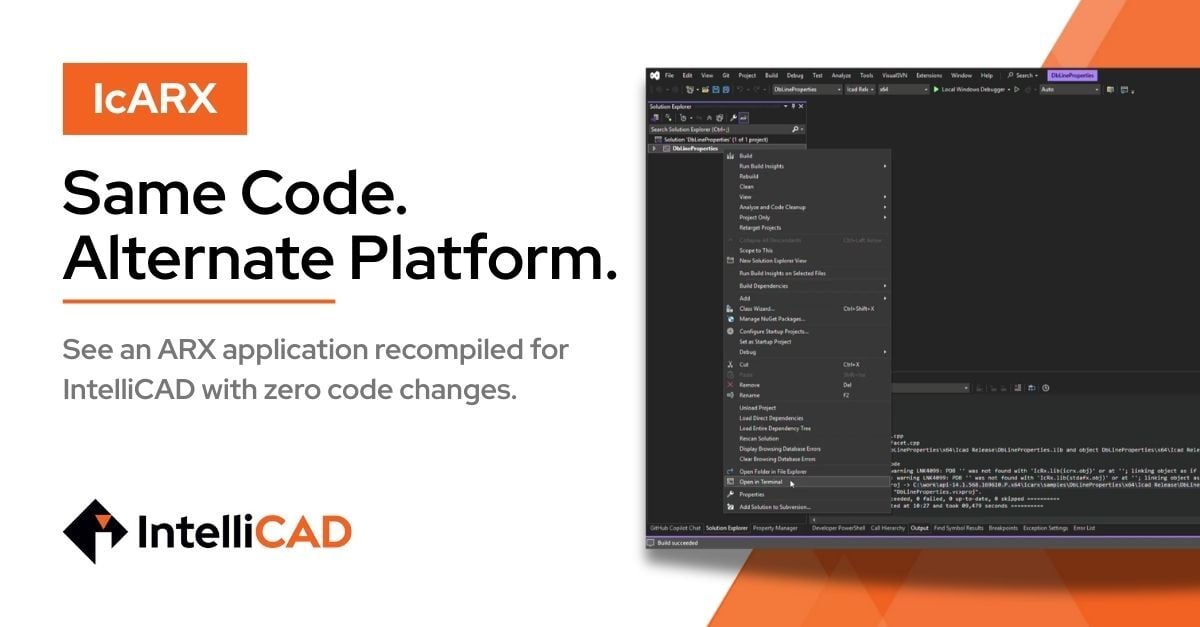
She runs the application in AutoCAD first so you can see the baseline behavior. Then she opens the same source code in Visual Studio, builds it against the IcARX SDK, and runs the resulting .arx file inside IntelliCAD. Same commands, same properties panel, same results.
The entire process takes a few minutes in Visual Studio: open the project, select the Release configuration, build, and run.
Why This Matters for Third-Party Developers
If you build ARX-based applications, IcARX gives you a way to reach more users without maintaining a separate codebase. IntelliCAD is a full-featured, DWG-compatible CAD platform, and ITC members ship it as their own branded products, many with perpetual licensing options and flexible pricing models. That means your existing ARX code can serve a broader audience of CAD users, compiled and running on a platform that supports the workflows they already depend on.
More Than Just ARX Compatibility
IcARX is part of IntelliCAD's broader developer platform. IntelliCAD offers five API pillars: SDS (legacy C/C++ extensions), IRX (direct access to core objects), COM (interface-based access), Microsoft® .NET® (managed API for modern development), and IcARX (ObjectARX-compatible C++ API). IntelliCAD has also recently improved its Autodesk AutoLISP® support, so developers working with LISP-based tools have more options as well. Whether you’re maintaining a legacy application or building something new, there’s a path that fits your architecture.
IcARX itself exposes over 20,000 functions with near-ARX parity, and the ITC team is actively working toward 100% functional equivalence. Database functions and geometry/entity classes are fully available today, with UI support classes and image processing currently in progress.
The IntelliCAD Technology Consortium also works directly with developers. If your application needs API functionality that isn’t available yet, reach out to the ITC team, and they’ll work with you to prioritize it. Your feedback directly shapes the platform’s developer experience.
Try It Yourself
The fastest way to evaluate IcARX is to try it with your own code. Here’s how to get started:
-
Download the sample application used in the video to see a working example.
-
Request an IntelliCAD trial to test your own ARX applications against the IcARX SDK.
-
Recompile and run. Open your existing ARX project in Visual Studio, point it at the IcARX SDK, build, and load the resulting .arx file in IntelliCAD.
If you encounter functionality that isn’t supported yet, reach out to the ITC team. We work directly with third-party developers to prioritize and expand IcARX based on real-world needs.
Watch the Full Video
See the complete walkthrough, from running an ARX application in AutoCAD to recompiling and running the same code in IntelliCAD:
Autodesk, AutoCAD, ObjectARX, DWG and AutoLISP are registered trademarks or trademarks of Autodesk, Inc. Microsoft and .NET are registered trademarks or trademarks of Microsoft Corporation. IntelliCAD is a registered trademark of the IntelliCAD Technology Consortium. IntelliCAD Technology Consortium is not affiliated with or endorsed by Autodesk.