
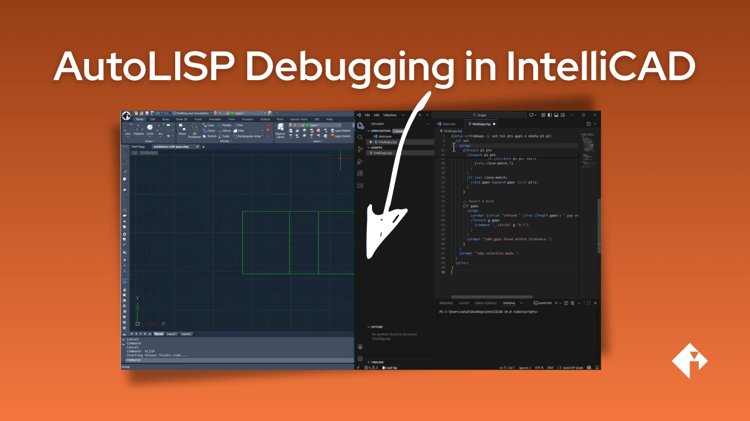
AutoLISP® is often used to solve practical problems in CAD workflows, with small custom commands that save time and reduce repetitive work. What has traditionally been missing in IntelliCAD is a modern, developer-friendly way to write and debug those scripts.
With IntelliCAD 14.0, the new VLISP command introduces a Visual LISP–style debugging workflow using Visual Studio Code, powered by the IntelliCAD LISP Debugger extension.
This update focuses on how developers actually work today: using a modern editor, stepping through code, inspecting variables, and refining logic until it behaves correctly.
A practical look at the VLISP workflow
In a new walkthrough video, Natalia from the IntelliCAD Technology Consortium demonstrates the VLISP command in action using a real-world example.
The video shows how to:
-
Use ChatGPT to generate a first draft of an AutoLISP routine
-
Edit the script in a modern Visual Studio Code–based editor
-
Run and debug the script directly against IntelliCAD
-
Use breakpoints, variable inspection, and watch expressions
-
Identify and fix logic errors
-
Reload updated code without restarting the debugger session
The example focuses on a custom command that detects gaps in linework, illustrating how AI-assisted code can quickly become runnable, but still requires debugging and human judgment to become production-ready.
AI as an accelerator, not a replacement
A key takeaway from the video is the role of AI in development.
ChatGPT and other AI assistants help accelerate the starting point, but correctness comes from inspecting behaviour, validating logic, and refining the result using proper debugging tools.
As Natalia puts it: AI is your accelerator, not your replacement.
Why this matters
For AutoLISP developers, the VLISP workflow in IntelliCAD 14 helps answer practical questions:
-
Can I use a modern editor?
-
Can I debug step by step?
-
Can I quickly iterate without restarting everything?
VLISP lowers the barrier to experimentation and makes IntelliCAD a more approachable platform for AutoLISP development.
Watch the walkthrough
The full workflow is demonstrated in the video below, including writing, debugging, and refining the final script.
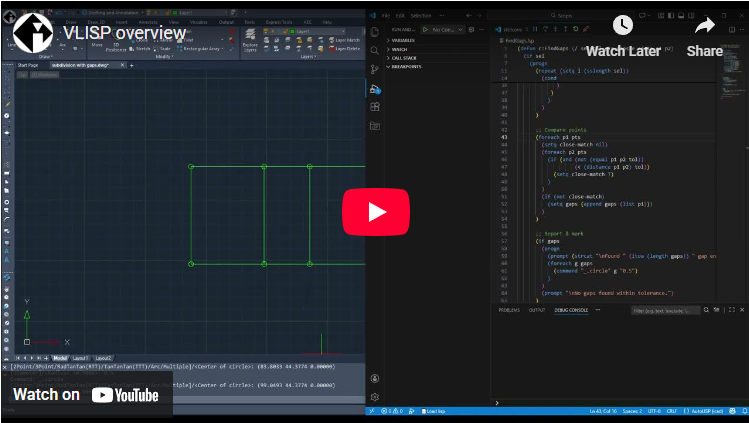
A link to the final .lsp file used in the demonstration is included in the video description.
Install the IntelliCAD LISP Debugger plugin for Visual Studio Code and start debugging today!
AutoLISP is a trademark of Autodesk, Inc. IntelliCAD is not affiliated with or endorsed by Autodesk.